MiSTer FPGA IO Direct Board | Analog Video & Audio
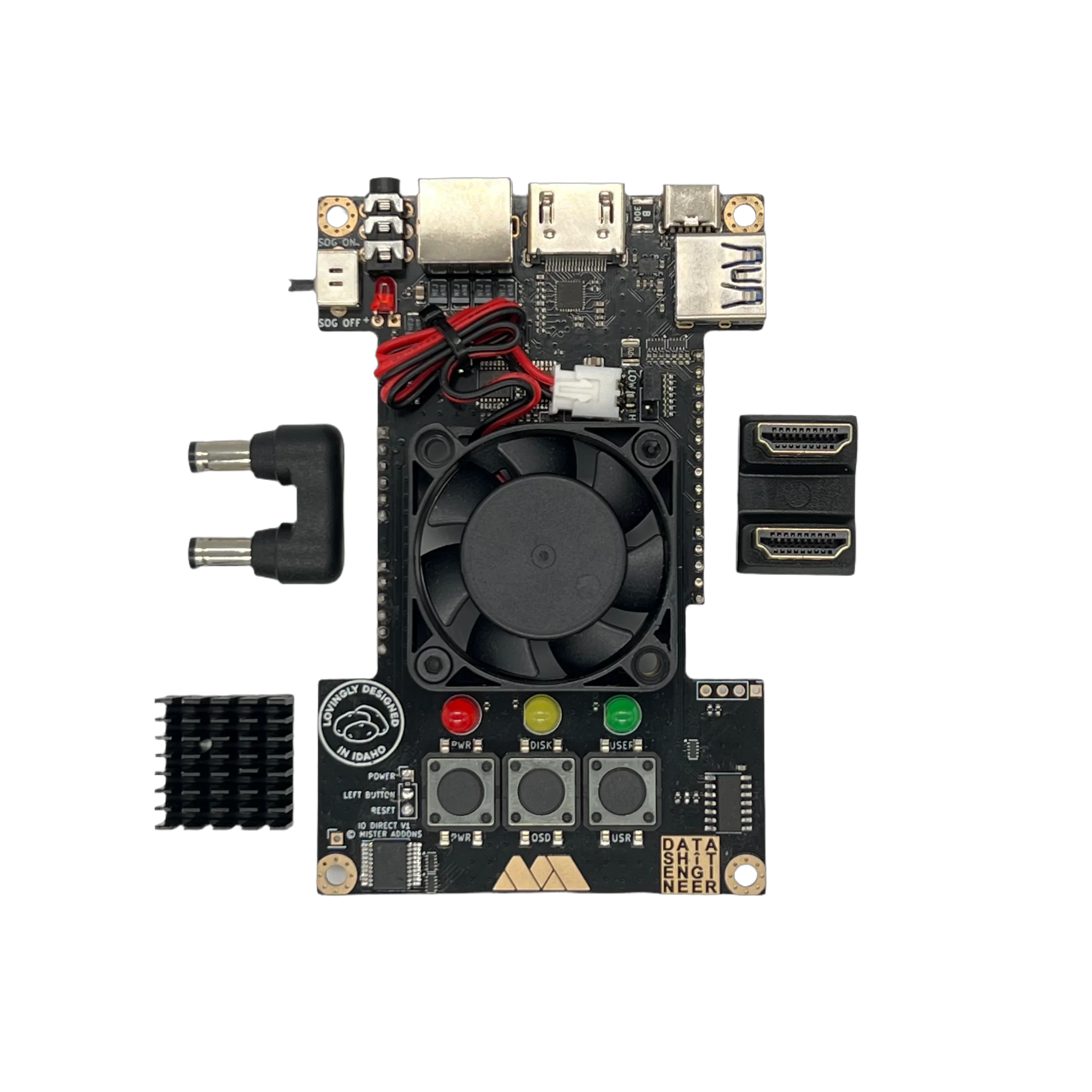
Unlock the full potential of MiSTer FPGA with the IO Direct! Featuring accurate analog video, crystal clear audio, soft power toggle, and compatibility with the Aluminum Armor case.
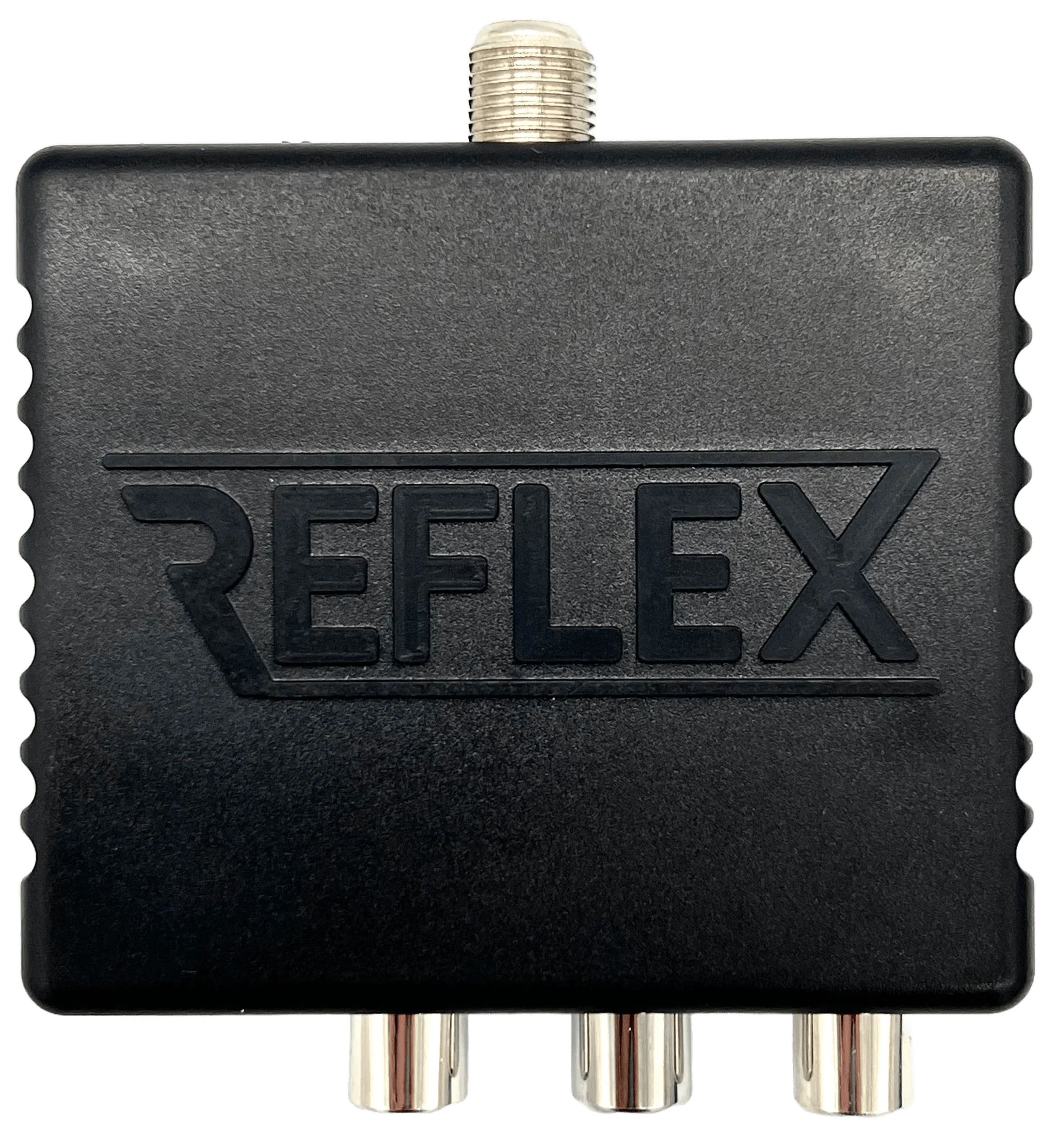
Video Output (via Sega Saturn AV port)
- RGBs (99% accurate to specifications)
- YPbPr component video with improved sync levels
- S-Video (native YC core support)
- Composite video (native YC core support)
- 24-bit video depth
Audio
- Hi-Fi analog output audio via Saturn AV port
- Mini TOSLINK digital audio via 3.5mm headphone port
- Audio input via 3.5mm headphone port (V1.0 and V1.1)
- Hi-Fi analog output audio via 3.5mm headphone port (V1.2)
Additional Features
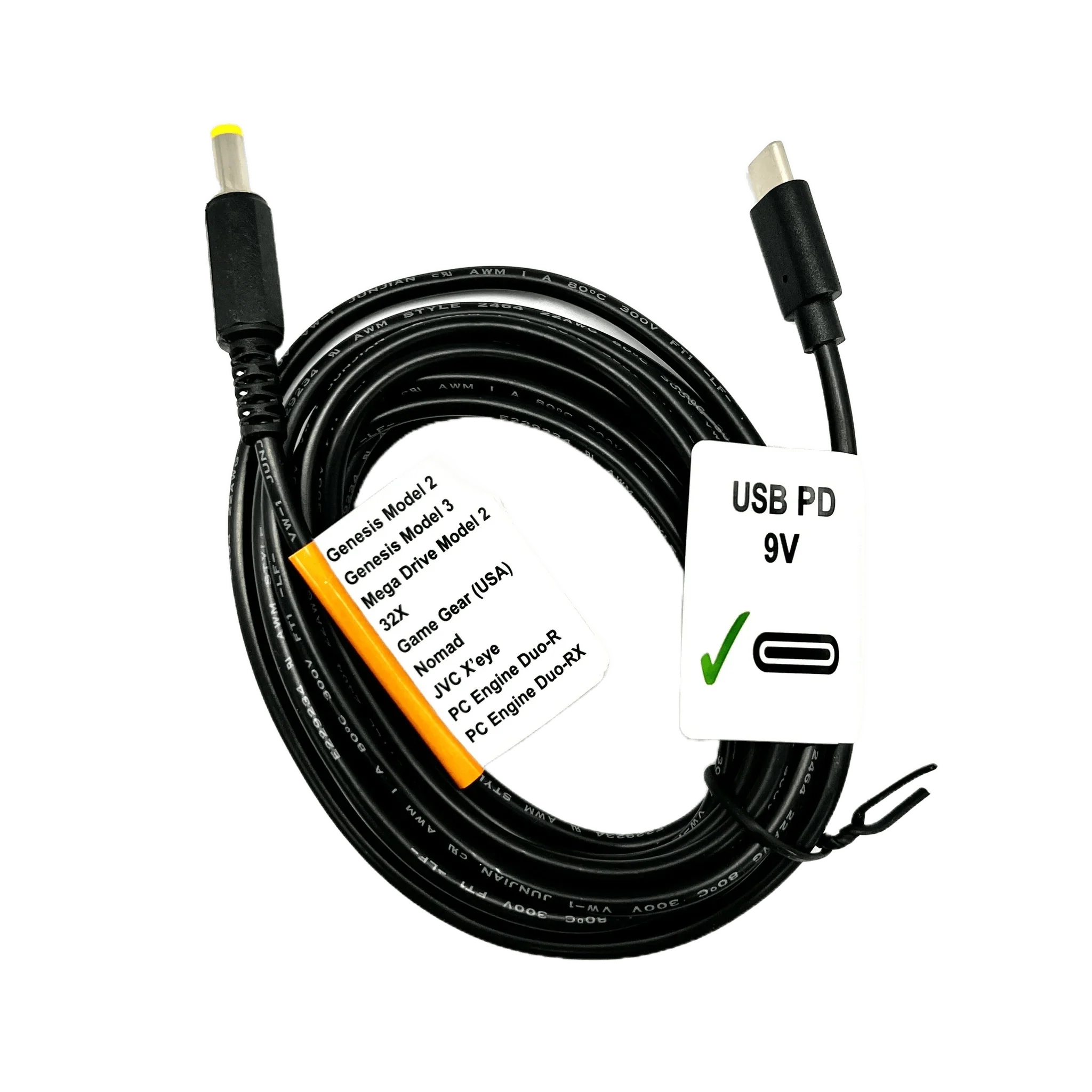
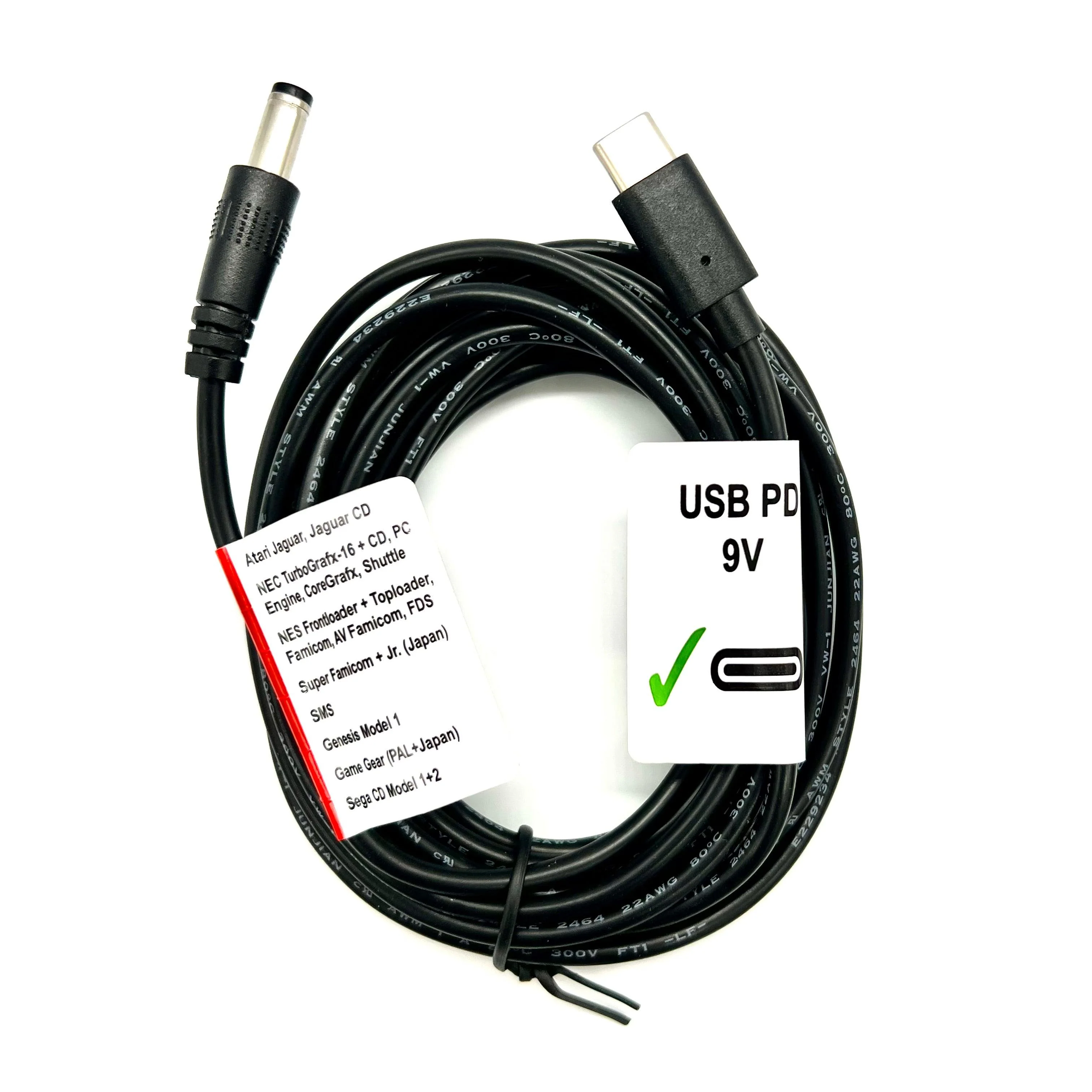
- USB-C power with soft power toggle
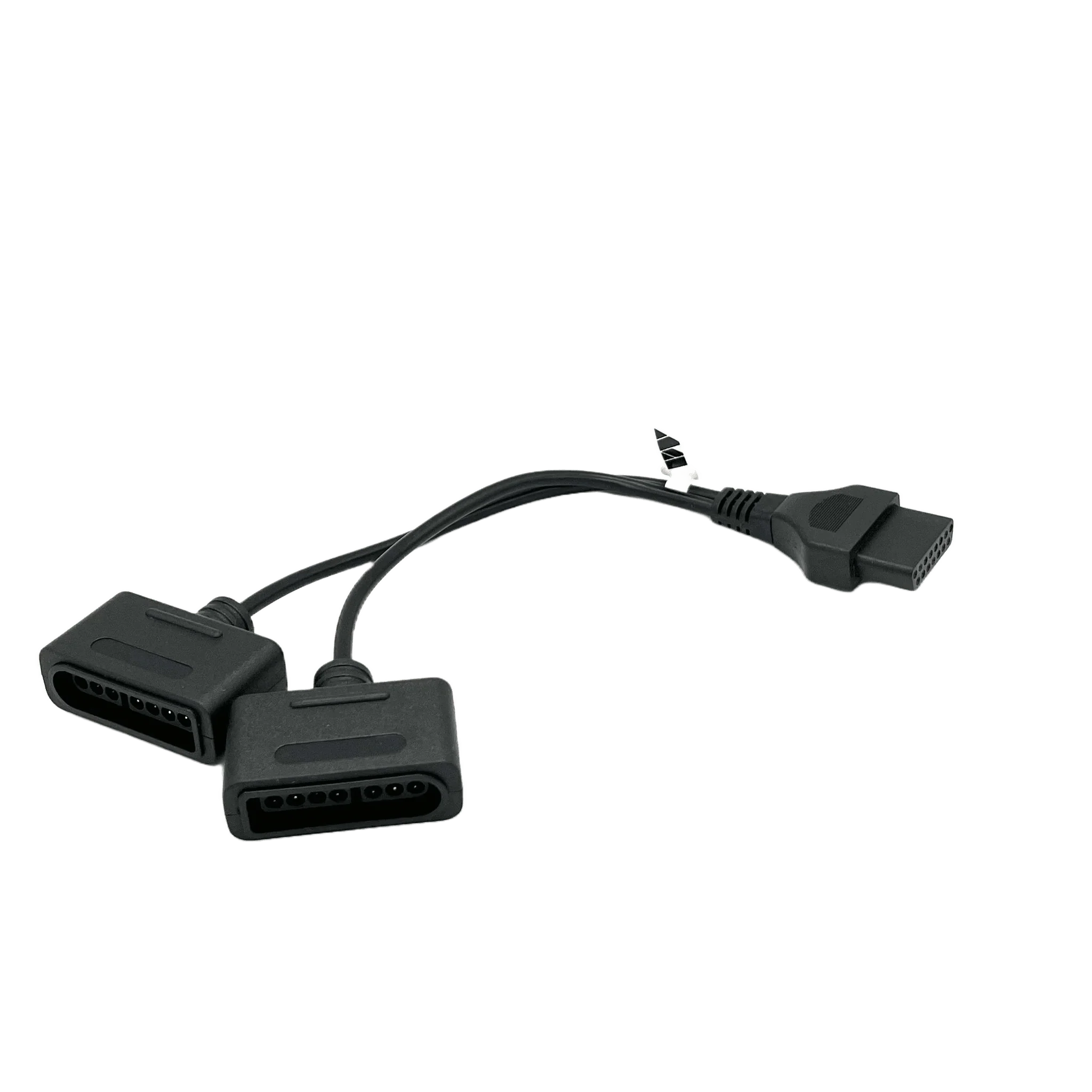
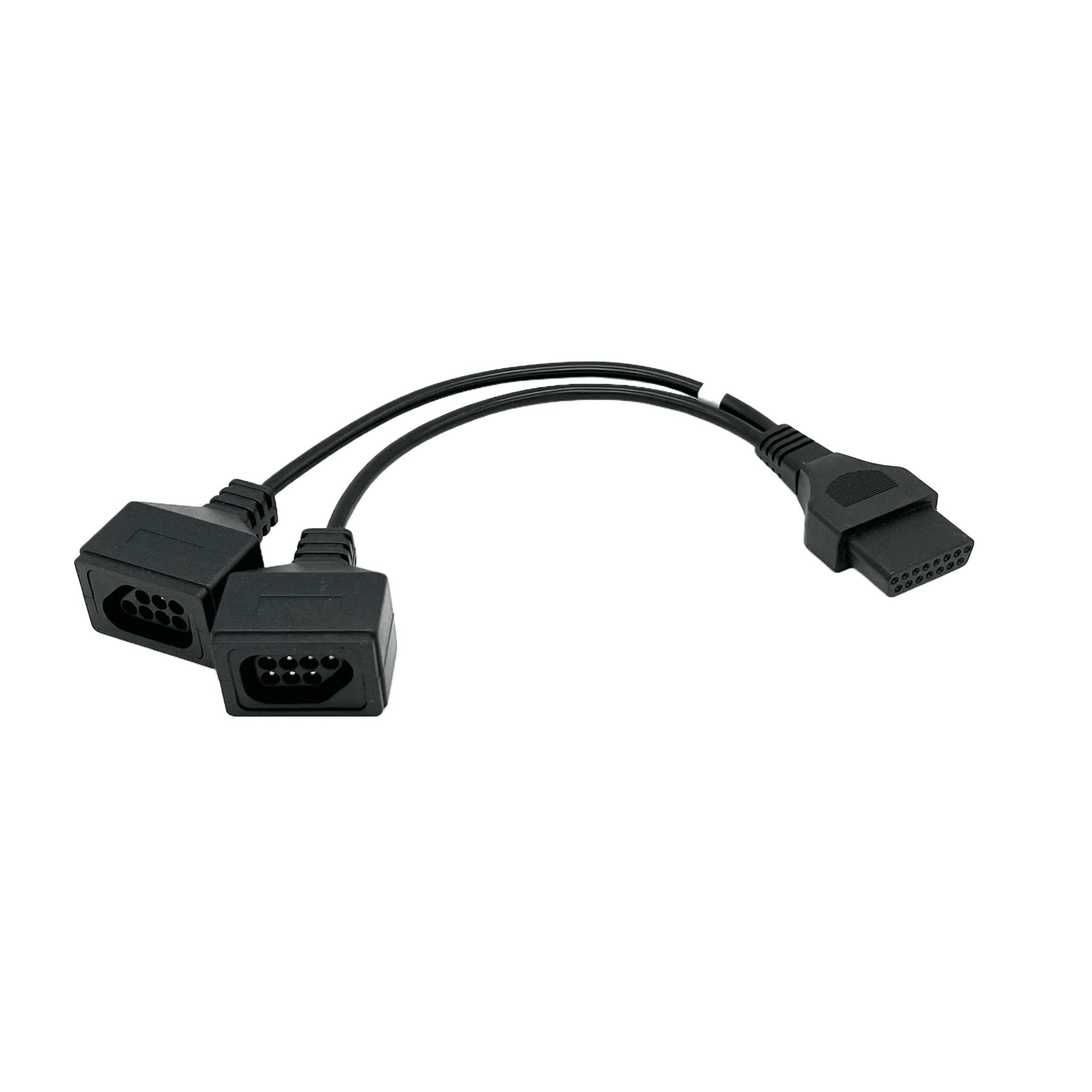
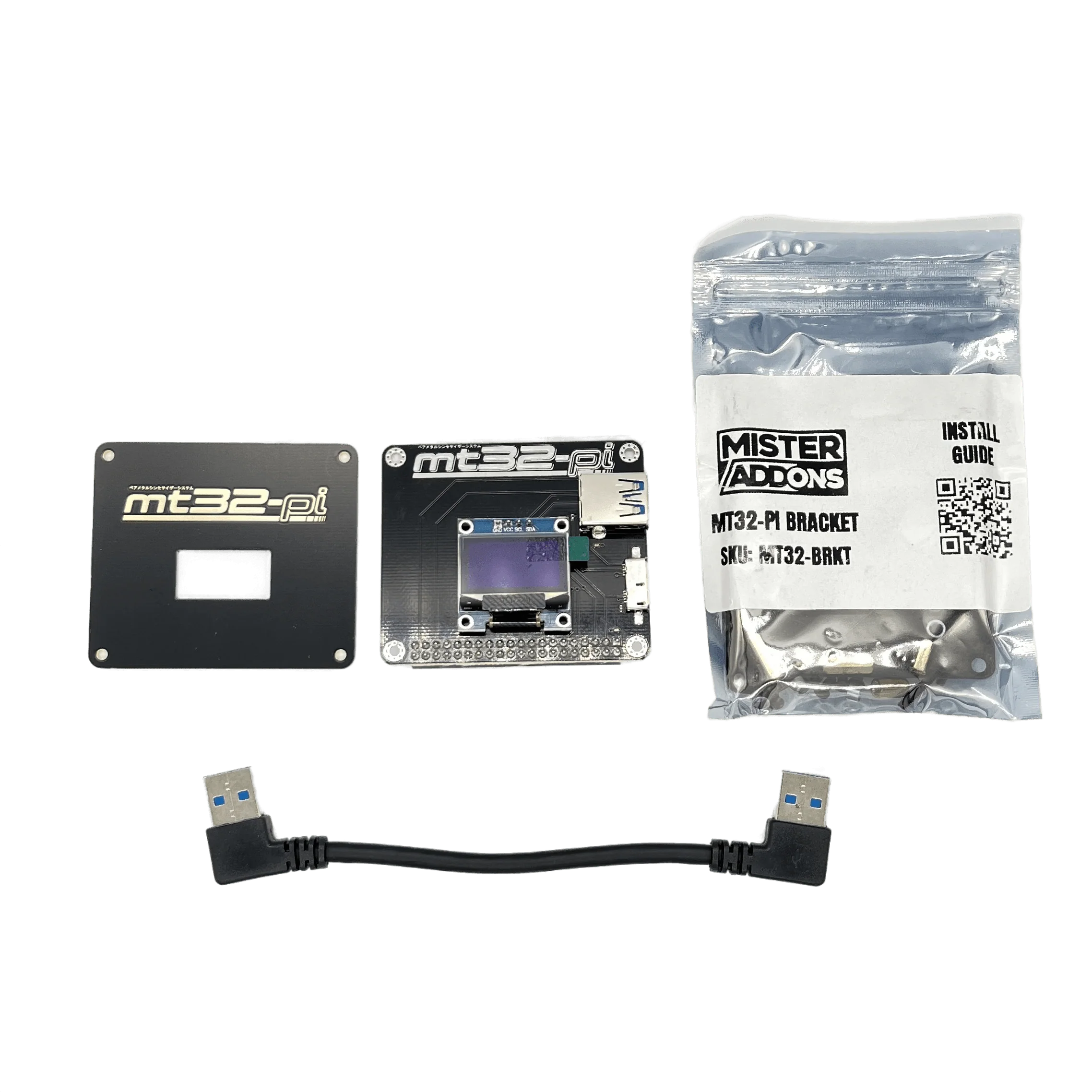
- User port for SNAC and mt32-pi
- Dual SDRAM support
- Includes HDMI bridge cable
Build Quality
- 1% or better tolerance resistors for extreme consistency
- Factory assembled and tested
- Fan + heatsink option available
Compatibility
Designed for the MiSTer Aluminum Armor case.
Choosing between IO Direct and IO Analog Pro?
- IO Direct
- Uses HDMI RGB DAC for analog AV (no simultaneous HDMI + Analog)
- Supports dual SDRAM
- IO Analog Pro
- Uses GPIO-based RGB DAC for analog AV (simultaneous HDMI + Analog)
- Doesn't support dual SDRAM
Choose IO Direct if: You want dual SDRAM support with either HDMI or analog video
Choose IO Analog Pro if: You want dual video output (CRT + HDMI simultaneously)
Configuration
HDMI video output
- Remove the HDMI jumper that connects the DE10-nano HDMI port to the IO Direct HDMI port
- Use the bottom (DE10-nano) HDMI port
- Set MiSTer.ini:
-
- direct_video=0 or direct_video=2
Analog video output
- Install HDMI jumper between the DE10-nano HDMI port and the IO Direct HDMI port
- Set MiSTer.ini:
-
- direct_video=1 or direct_video=2
- vga_mode=rgb or ypbpr or svideo
- composite_sync=1
- vga_sog=1 (for YPbPr)
- Toggle SOG switch to the on position for YPbPr
Reference MiSTer.ini settings
github.com/misteraddons/mister_ini/tree/main/IO Direct
Original: $60.00
-65%$60.00
$21.00Product Information
Product Information
Shipping & Returns
Shipping & Returns
Description
Unlock the full potential of MiSTer FPGA with the IO Direct! Featuring accurate analog video, crystal clear audio, soft power toggle, and compatibility with the Aluminum Armor case.
Video Output (via Sega Saturn AV port)
- RGBs (99% accurate to specifications)
- YPbPr component video with improved sync levels
- S-Video (native YC core support)
- Composite video (native YC core support)
- 24-bit video depth
Audio
- Hi-Fi analog output audio via Saturn AV port
- Mini TOSLINK digital audio via 3.5mm headphone port
- Audio input via 3.5mm headphone port (V1.0 and V1.1)
- Hi-Fi analog output audio via 3.5mm headphone port (V1.2)
Additional Features
- USB-C power with soft power toggle
- User port for SNAC and mt32-pi
- Dual SDRAM support
- Includes HDMI bridge cable
Build Quality
- 1% or better tolerance resistors for extreme consistency
- Factory assembled and tested
- Fan + heatsink option available
Compatibility
Designed for the MiSTer Aluminum Armor case.
Choosing between IO Direct and IO Analog Pro?
- IO Direct
- Uses HDMI RGB DAC for analog AV (no simultaneous HDMI + Analog)
- Supports dual SDRAM
- IO Analog Pro
- Uses GPIO-based RGB DAC for analog AV (simultaneous HDMI + Analog)
- Doesn't support dual SDRAM
Choose IO Direct if: You want dual SDRAM support with either HDMI or analog video
Choose IO Analog Pro if: You want dual video output (CRT + HDMI simultaneously)
Configuration
HDMI video output
- Remove the HDMI jumper that connects the DE10-nano HDMI port to the IO Direct HDMI port
- Use the bottom (DE10-nano) HDMI port
- Set MiSTer.ini:
-
- direct_video=0 or direct_video=2
Analog video output
- Install HDMI jumper between the DE10-nano HDMI port and the IO Direct HDMI port
- Set MiSTer.ini:
-
- direct_video=1 or direct_video=2
- vga_mode=rgb or ypbpr or svideo
- composite_sync=1
- vga_sog=1 (for YPbPr)
- Toggle SOG switch to the on position for YPbPr
Reference MiSTer.ini settings
github.com/misteraddons/mister_ini/tree/main/IO Direct